Samsung TouchWiz Home
Tools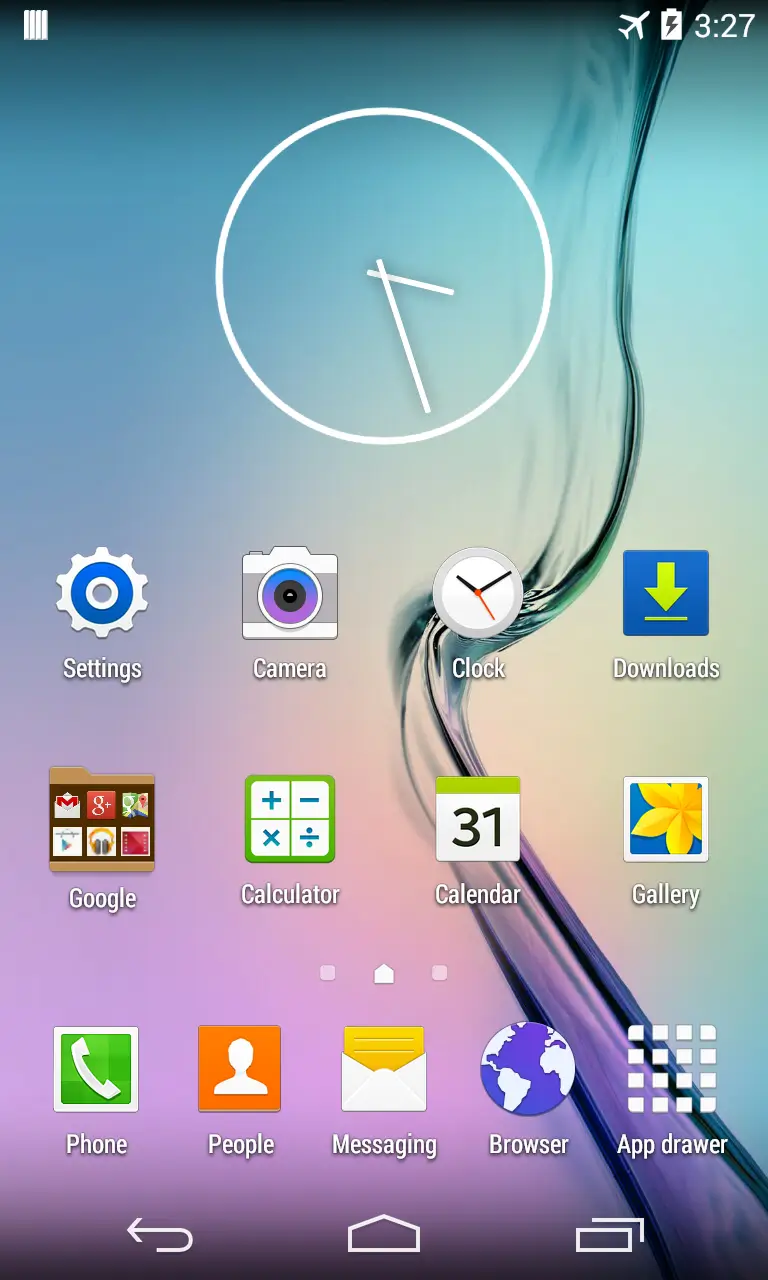
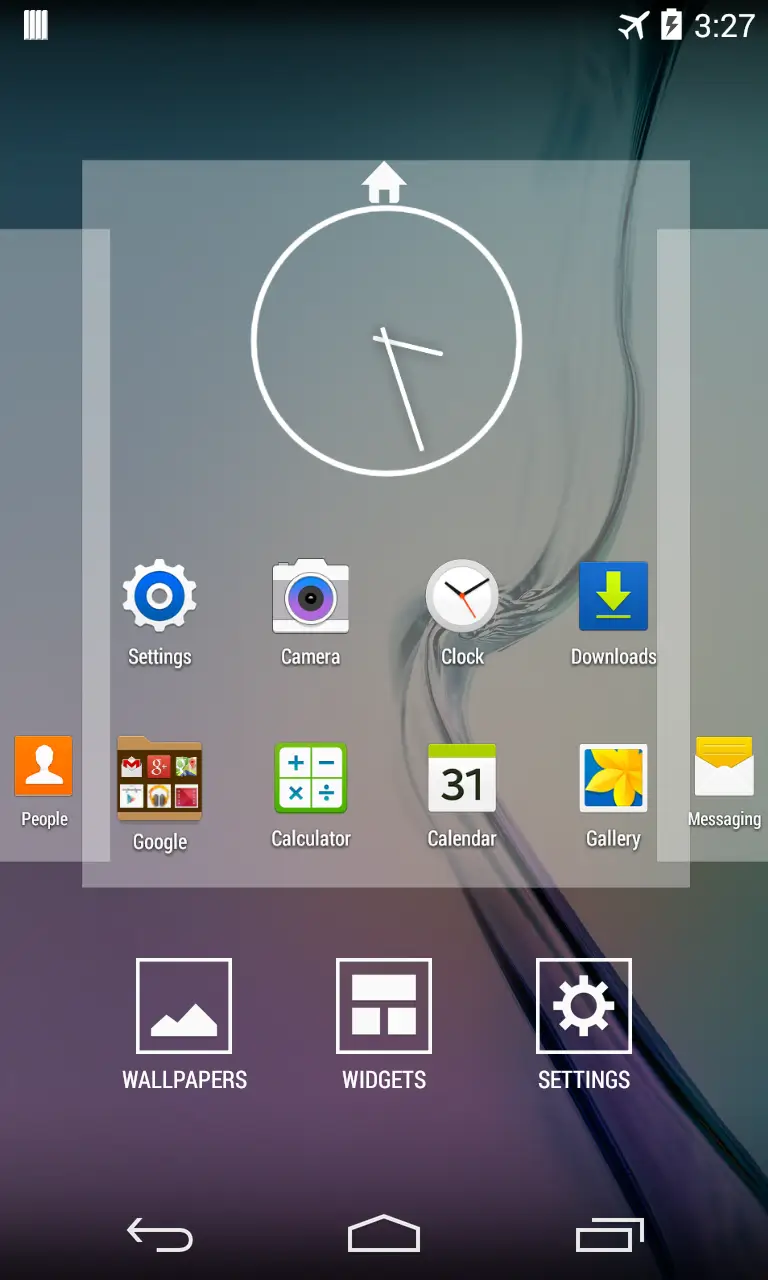
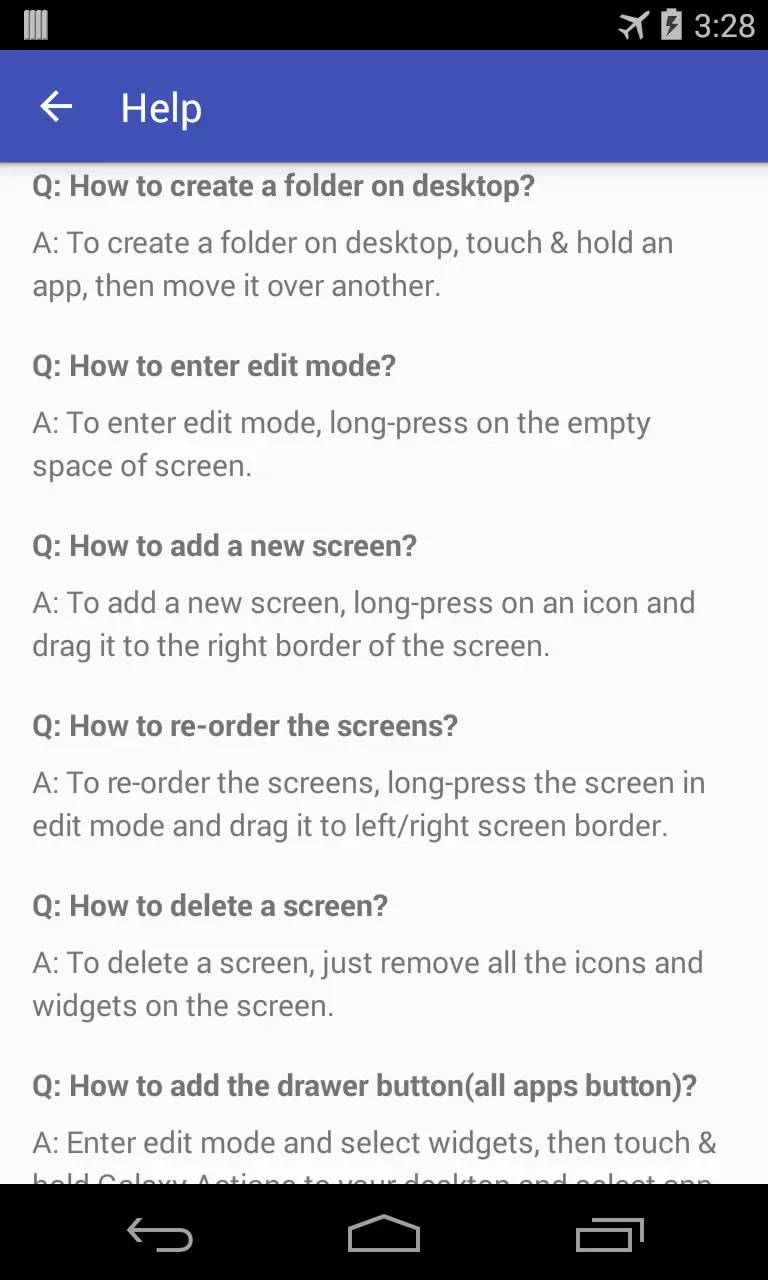
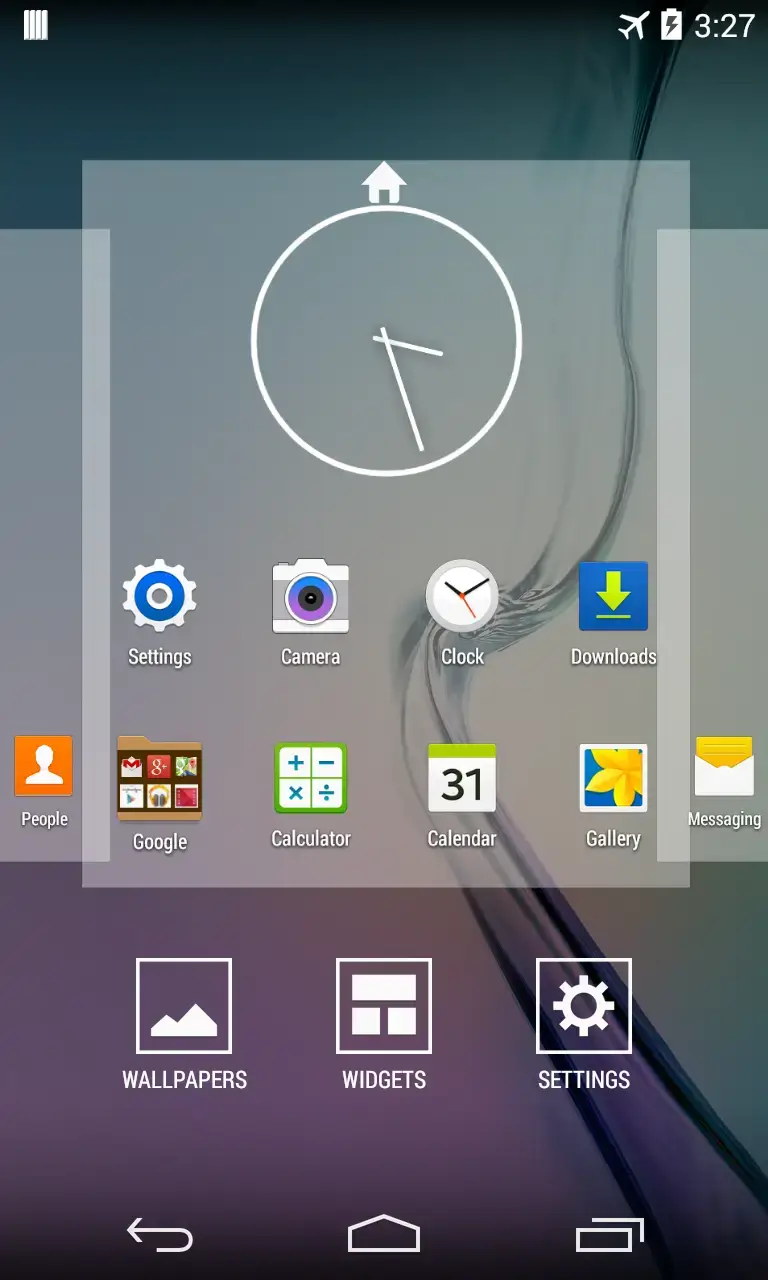

Samsung TouchWiz Home is the original launcher that shipped with many Samsung Galaxy smartphones. It brings the familiar TouchWiz interface—icons, widgets, and menus—back to devices that may have moved on to newer launchers.
This page provides the latest APK details, installation guide, and practical tips for using the launcher safely.
Quick Information
| App/Game Name | Samsung TouchWiz Home |
| Latest Version | 6.1.90.9 |
| Developer | Not listed |
| Category | Apps / Tools |
| App Size | 6 MB |
| Package Name | com.sec.android.app.launcher |
| Last Updated | 11 March 2024 |
What Is Samsung TouchWiz Home?
Samsung TouchWiz Home is a system launcher designed by Samsung for its Galaxy line. It replaces the default Android home screen, offering a layout and visual style that many longtime Samsung users recognize. Core features include:
- Classic TouchWiz UI with Samsung‑style icons and widgets.
- Integrated access to Samsung apps and services.
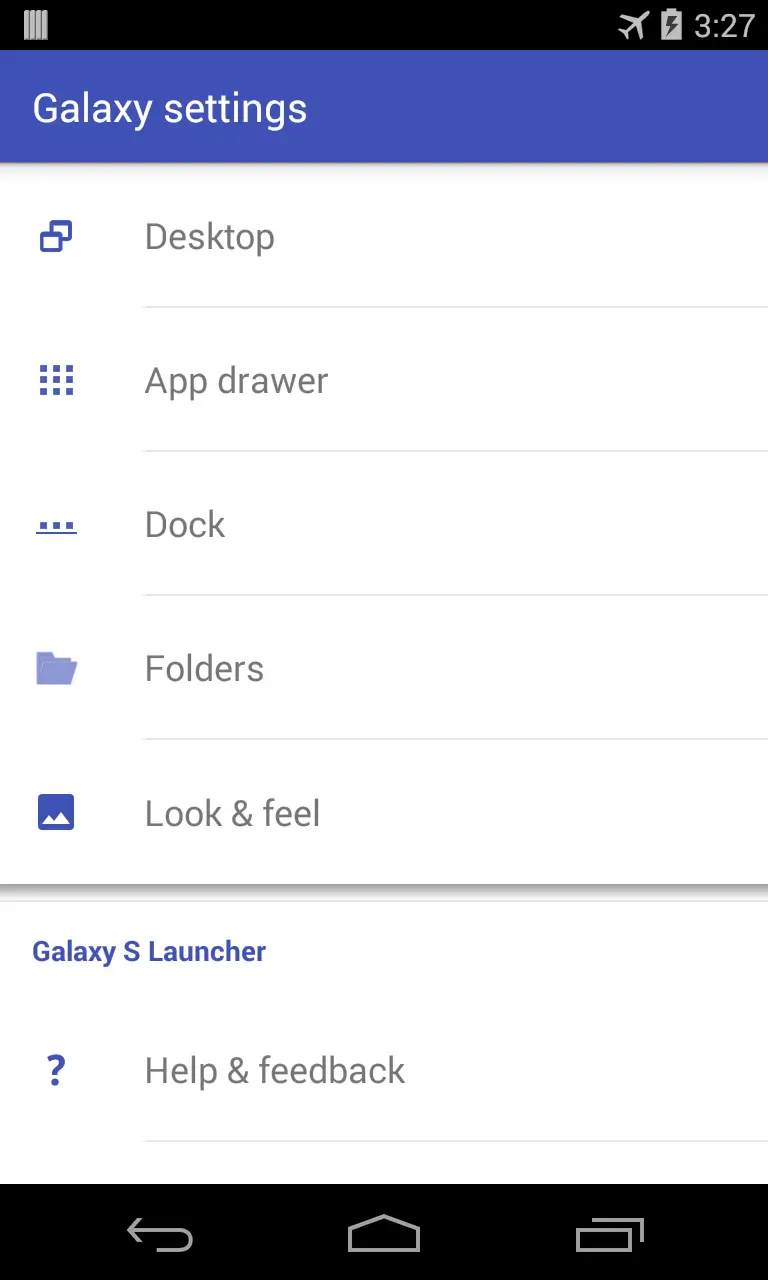
- Customizable home screens and app drawer.
The launcher is primarily intended for Samsung devices, but it can be sideloaded onto other Android phones. Compatibility may vary, especially on devices that lack Samsung‑specific frameworks.
Compatibility
| Android Version | Not Verified |
| Architecture (ARM64 / 32-bit) | Not Verified |
| Internet Connection | ✓ Verified — May be required for ads, updates, or login |
| Storage Needed | Not Verified |
| OBB/Data Files | Not Verified |
| Root Required | Not Verified |
How to Install
- Download the Samsung TouchWiz Home APK file to your device.
- Open Settings → Security (or Privacy on newer Android versions) and enable Install unknown apps for the browser or file manager you will use.
- Locate the downloaded APK using a file manager and tap it to start the installation.
- Follow the on‑screen prompts and tap Install.
- Once installed, press the home button and select Samsung TouchWiz Home as the default launcher.
Troubleshooting
- App not installed error: Ensure you have enabled installation from unknown sources and that the APK is not corrupted.
- Crashes on startup: The launcher may rely on Samsung‑specific services that are missing on non‑Samsung devices. Try clearing app data or reinstalling.
- Features missing or not working: Some Samsung widgets or shortcuts require Samsung framework components that are not present on other phones.
- Launcher does not stay as default: Go to Settings → Apps → Default apps → Home app and re‑select Samsung TouchWiz Home.
Safety & Security
Because this is a modified (sideloaded) APK, always obtain it from a reputable source. Check the file’s permissions after installation; the launcher should request access to storage and display over other apps, which are typical for launchers. Avoid entering sensitive personal data (e.g., passwords) into any third‑party launcher unless you trust the source. Keep in mind that future Android updates may affect compatibility, and you may need to reinstall a newer version.
How Samsung TouchWiz Home Compares
| Feature | Samsung TouchWiz Home | Nova Launcher | Microsoft Launcher |
|---|---|---|---|
| Price / Free model | Free (original Samsung build) | Free with optional paid premium | Free with optional Microsoft 365 benefits |
| Platform availability | Android (optimized for Samsung devices) | Android & iOS | Android & iOS |
| Standout feature | Classic Samsung TouchWiz UI and Samsung‑specific widgets | Highly customizable gestures and icon packs | Deep integration with Microsoft services and timeline |
| Best for | Users who prefer the original Samsung look and feel | Power users who want extensive personalization | Users invested in Microsoft ecosystem |
Alternatives
If you’re looking for a different experience, consider these launchers:
- Nova Launcher – Offers extensive customization, gesture support, and a large ecosystem of icon packs.
- Microsoft Launcher – Provides tight integration with Outlook, Office, and other Microsoft services, plus a personalized feed.
- Lawnchair – An open‑source launcher that mimics the Pixel experience while allowing tweaks.
Final Verdict
Samsung TouchWiz Home is a solid choice for anyone who misses the classic Samsung interface. It works best on Samsung devices or on phones where Samsung framework components are present. Installation is straightforward, but users on non‑Samsung hardware should be prepared for possible missing widgets or occasional instability. Verify the source, review permissions, and keep an eye on Android updates that could affect functionality.
Frequently Asked Questions
The APK is safe when downloaded from a trusted source, but always review the permissions it requests and avoid entering sensitive data if you are unsure of the source.
The launcher works on Android 5.0 (Lollipop) and newer, though full functionality is best on devices running recent Android releases.
Yes, you can sideload it, but some Samsung‑specific widgets and features may not work without Samsung framework components.
Make sure you have enabled installation from unknown sources and that the APK file is not corrupted; also check that your device has enough storage.
No, Samsung TouchWiz Home is a single APK and does not require extra OBB or data packages.
Installing the launcher only changes the home screen experience; it does not delete or modify your installed apps or personal data.
Yes, after installation go to Settings → Apps → Default apps → Home app and select Samsung TouchWiz Home.
Updates can sometimes affect compatibility, especially on non‑Samsung devices. If issues arise, you may need to reinstall a newer version of the APK.